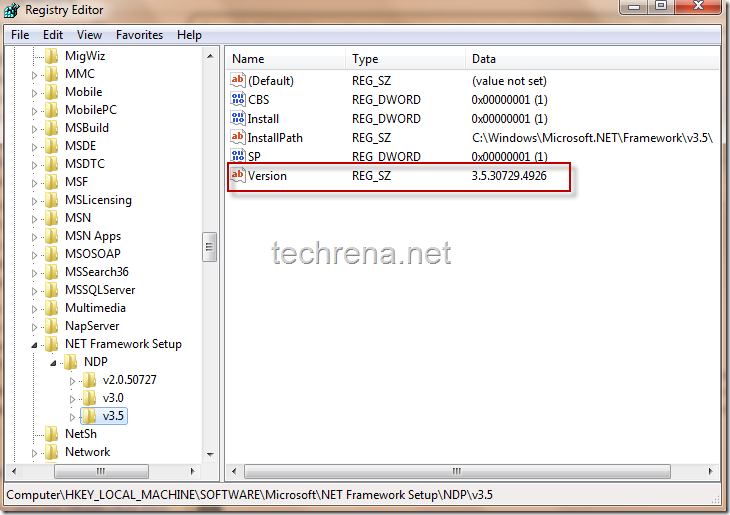
f you are familiar with Windows registry editor (by using regedit command), this should be the easier way to find the version of .NET installed.You just have to navigate to the following registry path and check the value present for the key entry “Version” (which is 3.5.30729… in my case) as shown below.
Path: HKEY_LOCAL_MACHINE\ SOFTWARE\ MICROSOFT\ NET Framework Setup\ NDP\ v3.5